In the Media
 March 10
Company News

User Quotes
We really like the fact that we don't have to involve our IT people to set up a server and the ease of use and user interface.
— Larry Miller - Lincoln Public Schools, NE 
Tools, Settings, and Preferences
Posted January 7th, 2008 by franco.dalmolin
Through the Tools menu or by clicking on the little speaker icon on the lower right corner of the window you can access the Volume Panel. Here you can quickly and easily adjust microphone sensitivity and speaker volume levels if needed.

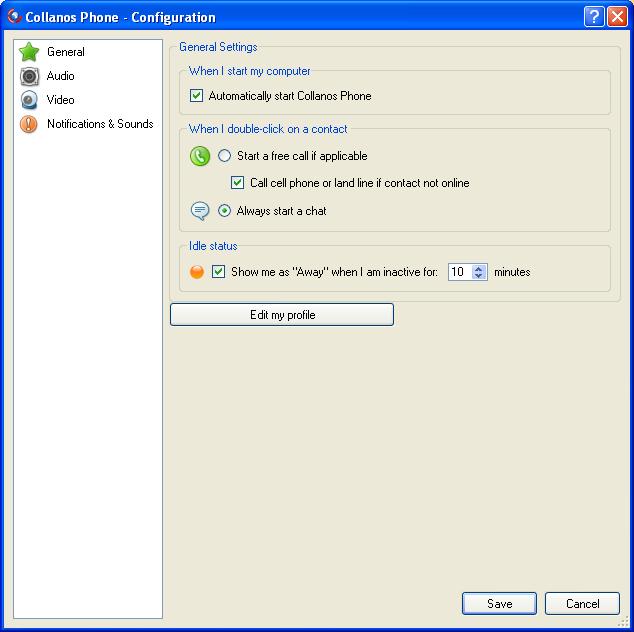
A more general panel for various technical settings and preferences is available behind "Configuration" in the Tools menu.